Hey there,
You know that feeling when you're 45 minutes deep in a Claude chat looking for a prompt you wrote three weeks ago? Or scrolling through 15 call transcripts trying to find the one deliverable your employee agreed to last month?
That's been my life for the past year.
If I had to put a number on it, I probably spend a solid hour every week just searching for information across platforms. Email, call transcripts, AI chats, Google Drive, Slack, Notion, X bookmarks, articles, etc.
The more I thought about it, the more I realized this is the dumbest possible use of my time. I'm the bottleneck for finding my own information. That's insane.
Around the same time, the idea of a "Second Brain" started popping off on X. The concept is simple: instead of you being the librarian for your own data, you let an AI agent do it.
It stores, tags, and organizes everything. Your personal data, company data, articles you find online, transcripts, anything you might want to reference later.
So I started building one manually.
Within a week I realized this was a mistake and that maintaining it myself was going to be a part-time job. I was about to scrap the whole thing.
Then I found an AI agent called Hermes that has a Knowledge Base skill built in right out of the box. Twenty minutes of setup, zero manual maintenance, and now I have a working Second Brain that stores everything I throw at it, draws connections between things I didn't even know were related, and lets me audit/clean it once a month with one command.
Here's why it works, and how to build your own this week.
The whole thing runs on a clean division of labor.
Your job: curate the sources. Find the articles, tweets, transcripts, notes. The stuff you want it to know.
Hermes' job: ingest it, summarize it, file it away, and serve it back to you when you ask.
Under the hood, the knowledge base has three layers:
Raw sources. Read-only. The files you hand it. Hermes never edits these.
The wiki. A web of markdown files Hermes builds and maintains itself.
The schema. Tags and internal structure Hermes creates so queries are fast and accurate.
And there are only three core operations you ever need to know:
1) Ingest. Hand it a file, it gets added as a source.
2) Query. Ask it a question, it pulls the answer from your wiki.
3) Lint. Once a month, run /lint and Hermes audits the entire base. It flags contradictions, sources over 90 days old, and files too long that should be split into smaller chunks for more accurate retrieval.
Here's the cool part:
Your Second Brain will be the dumbest it ever is on Day 1.
But it compounds. Every source you feed it makes the next query better. By Day 90 this thing knows everything about you and your business.
Here's how to build it this week in 20 minutes (if you'd prefer to watch the setup on video, click here.)
Step 1: Spin up a VPS on Hostinger.
Pick the KVM2 plan. It gives you enough bandwidth to deploy multiple agents on the same server later. (Use code COREY10 at checkout for 10% off). The 24-month plan brings it down to under $9/month.
Step 2: Deploy Hermes.
Once your server is running, go to: Manage > Docker Manager > Compose > One-Click Deploy. Search "Hermes agent." Set your admin username and a password you won't forget. Click deploy. Wait 30 to 90 seconds for it to spin up.
Step 3: Run quick setup.
Click "Open." Sign in with the credentials you just set. Choose Quick Setup. For the model provider, pick OpenAI Codex (easiest if you already have a ChatGPT account). Open the URL it gives you, enter the code, done. I use GPT 5.4 as my default. It's cheaper than 5.5 and plenty smart for this use case.
Step 4: Connect Telegram.
Open Telegram, search @BotFather. Create a new bot. Name it whatever you want (mine is "Corey Hermes"). Copy the bot token, paste it into Hermes, hit enter. Leave the user ID empty for now. Skip the home channel. You can DM your bot and type /sethome later to set the DM as your home channel.
Step 5: Confirm the Wiki skill is installed.
In Telegram, ask your bot: "Do you have the LLM Wiki skill installed?" It should say yes. Then say "Let's set up our Wiki" and follow the prompts. Use the default storage path.
Step 6: Feed it your first source.
Install the MarkDownload Chrome extension. Any article, tweet, blog post, or webpage you want in your Second Brain, click the extension, click "Download Markdown." Drag and drop that file into your Telegram chat with Hermes. Tell it to add the file to the wiki. That's the workflow forever.
Step 7: Test the query.
Ask your bot something specific that's in that first source. If it pulls the right answer, you're set. Now just keep feeding it.
Once a month, type /lint. Hermes will audit the base, flag stale or contradictory sources, and tell you exactly what to clean up.
That's it.
You'll spend under an hour setting this up, then maybe 30 seconds per source going forward (clip, drag, drop). Over the next 90 days, you'll build a compounding asset that turns every article you read, every transcript you record, and every chat you have into a queryable, intelligent brain that you actually own.
Once you get it set up, shoot me a reply and let me know what you're feeding it. I read every reply.
- Corey
A few notes/tweets/cool things sourced from the AI community.
1)
OpenAI is getting into the AI consulting/deployment business.
2)
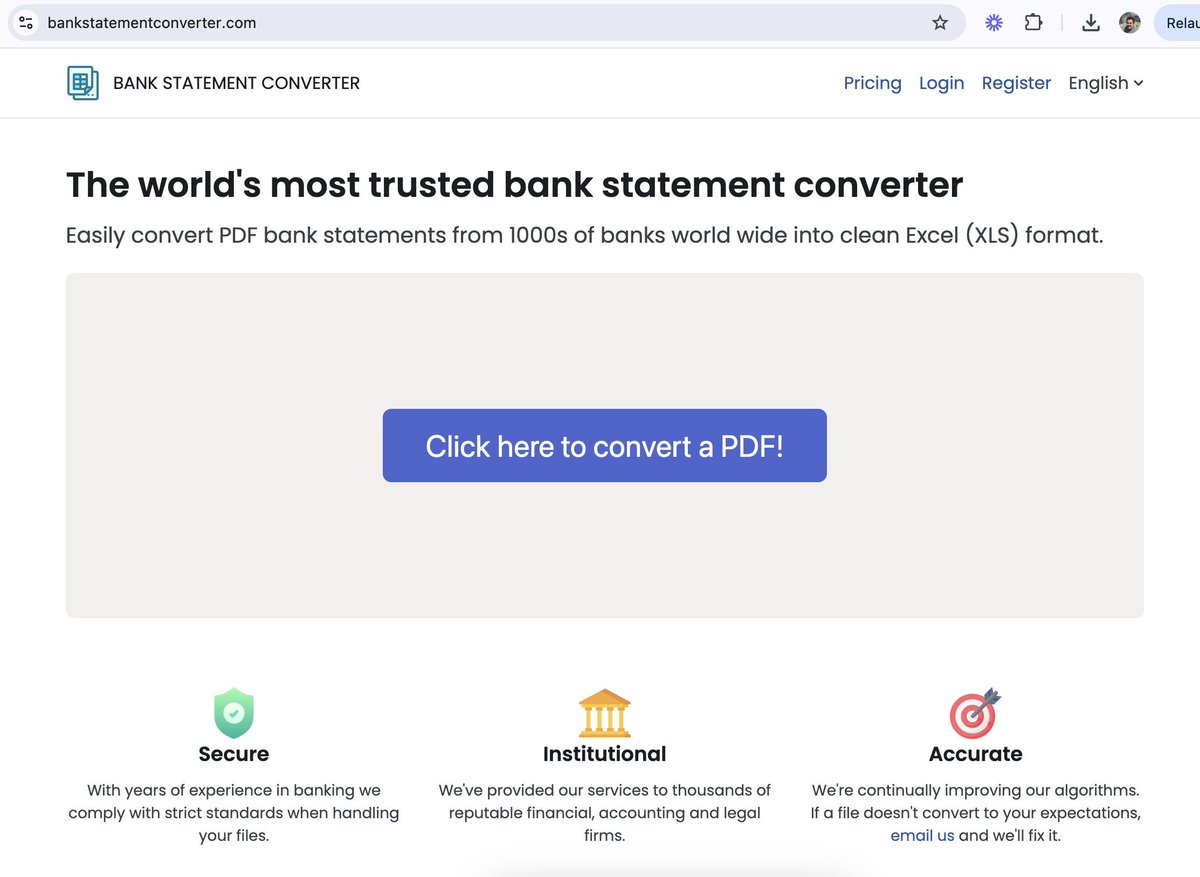
BankStatementConverter.com makes $40K/month. Simple scales.
3)

Free Docusign, Bloomberg, and more.
Thanks for reading the Corey's Notes newsletter. I'd appreciate it if you sent it to a friend that might find it interesting.
Be sure to check out t he Build With AI podcast on Apple, Spotify, and YouTube. If you're a non-technical entrepreneur who wants to learn how to integrate AI into your business, you'll love it.
Be back next week.
-Corey